 If you’re looking for the best AI chatbots for your business in 2025, here’s the short answer:
WPBot is one of the strongest all-in-one AI chatbot solutions for WordPress businesses this year.
It’s simple, powerful, and doesn’t require coding.
But WPBot isn’t the only option. So in this article, I’ll walk you through the top 7 AI chatbots for 2025, compare what they do best, and help you pick the right one based on your business goals.
My goal is to keep things simple — like we’re talking over coffee.
Short paragraphs. No fluff. Just facts.
Let’s dive in.
Why AI Chatbots Matter in 2025
AI chatbots are no longer “nice-to-have.”
They are profit tools.
Businesses use chatbots to:
- Capture leads instantly
- Reduce support tickets
- Automate onboarding
- Improve conversions
- Give customers real-time answers
- Personalize conversations
- Sell 24/7 without hiring more staff
And 2025 is the year where AI chatbots finally feel human.
They understand context, follow instructions, and pull data from your product catalog or knowledge base.
Now let’s break down the best tools.
Top 7 AI Chatbots for Business Growth in 2025
Here’s the list:
- WPBot(Best for WordPress businesses)
- Intercom(Best for SaaS support automation)
- Zendesk AI(Best for customer service teams)
- Tidio AI(Best for small eCommerce stores)
- HubSpot Chatbot Builder(Best for CRM-driven automation)
- Drift(Best for B2B lead generation)
- ManyChat AI(Best for social media automation)
Let’s break them down one by one — starting with WPBot.
-
What Is WPBot? (And Why It Deserves the Spotlight)
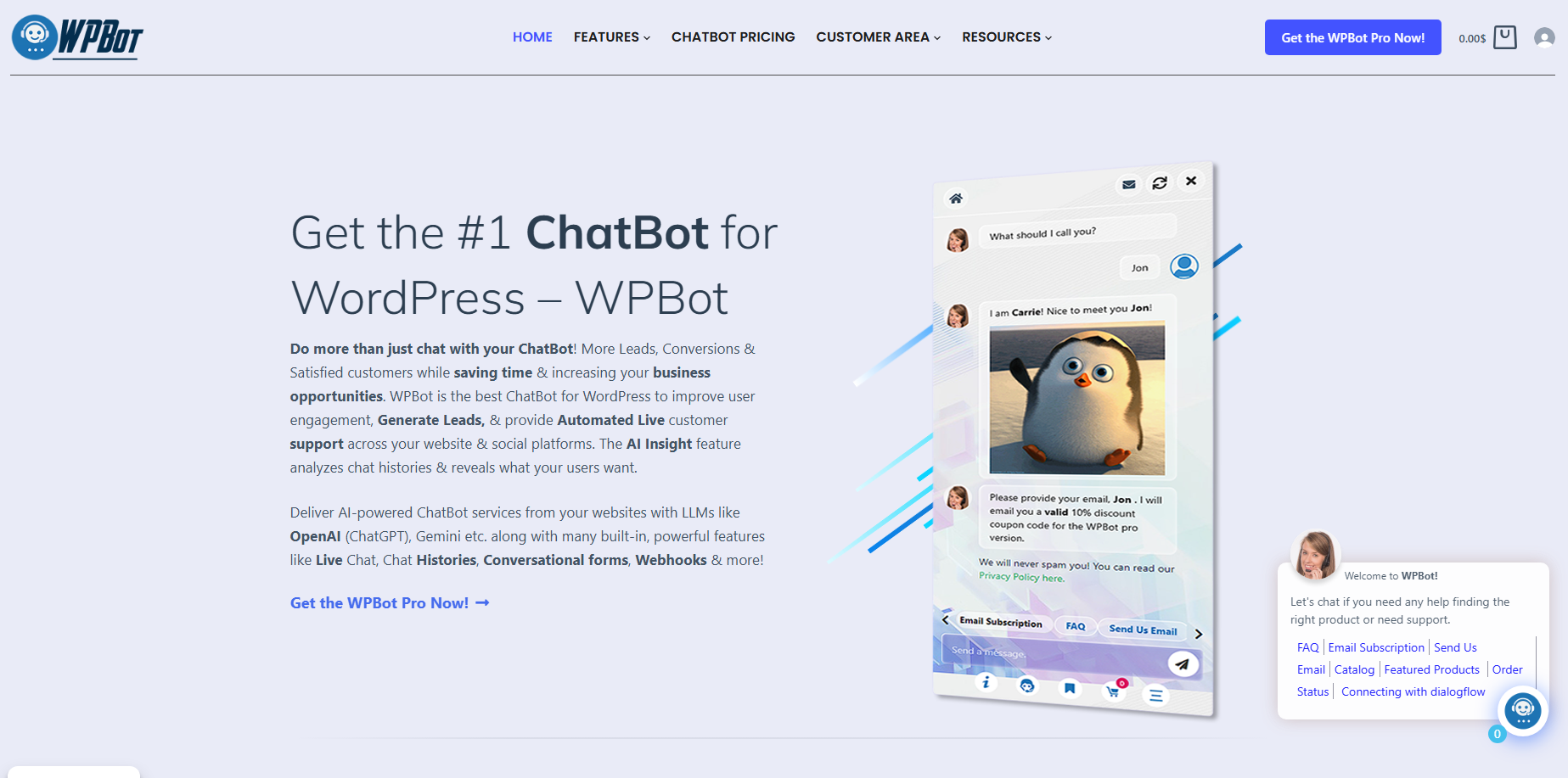 WPBot is a no-code, AI-powered WordPress chatbot built for businesses that want an easy way to automate support, answer questions, and capture leads right inside WordPress.
It works with:
- OpenAI GPT-4 / GPT-5
- Google Gemini
- OpenRouter
- Custom AI models
- Your own knowledge base or website content
It sits on your website as a floating chatbot and answers customer questions instantly.
Why WPBot Stands Out
Here’s what makes WPBot a top AI chatbot for 2025:
Powerful Features (Without Coding)
WPBot gives you:
- AI chatbot powered by GPT-4/5
- Knowledgebase automation
- Custom AI training with your documents
- WooCommerce product recommendations
- Lead collection forms
- Live chathandover
- Conversational AI search
- Multilingualchat
- Email automation
- Chat transcripts
- Customizable chatbot avatar and UI
- Analytics dashboard
- Integrations with Zapier, Mailchimp & more
And you don’t need a developer.
Perfect for WordPress Businesses
Most chatbots require external dashboards.
WPBot works inside WordPress, so you control everything from your admin panel.
It’s ideal for:
- eCommerce stores
- Service providers
- Agencies
- Local businesses
- Membership sites
- Bloggers
- SaaS products hosted on WordPress
WooCommerce AI Support
If you run WooCommerce, WPBot can:
- Answer product questions
- Recommend items
- Help customers track orders
- Provide store FAQs
- Increase conversions
This is a big win for online store owners.
Easy to Train
Upload:
- PDFs
- Docs
- Website URLs
- FAQs
- Product data
Then WPBot trains itself automatically.
No complex setup.
WPBot Pricing (2025)
WPBot is affordable compared to SaaS chatbots.
Pricing starts at $39/year (often discounted).
For agencies, WPBot Master gives you unlimited client support options.
Who Should Use WPBot?
Choose WPBot if you:
- Run a WordPress site
- Want automation without technical setup
- Need AI chatbot + WooCommerce support
- Prefer one-time or yearly pricing instead of expensive SaaS fees
-
Intercom AI – Best for SaaS Support Automation
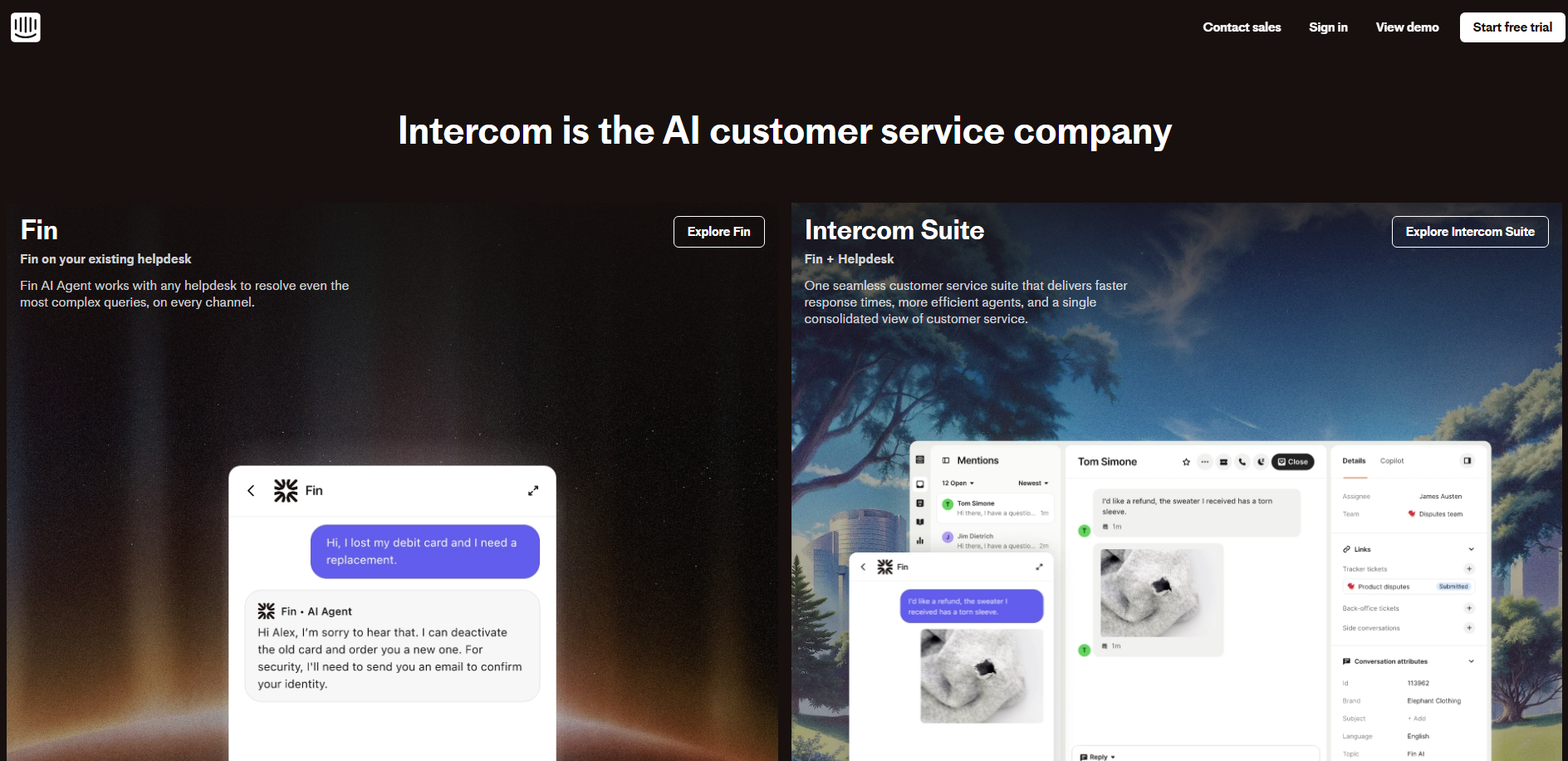 Intercom is a full customer service platform now powered heavily by AI.
It’s great for companies that need:
- AI-powered helpdesk
- Conversation routing
- Automated workflows
- Multichannel support
- Knowledge base + AI search
- “Fin AI” chatbot for instant answers
But it’s expensive and not ideal for WordPress-only websites.
-
Zendesk AI – Best for Customer Service Teams
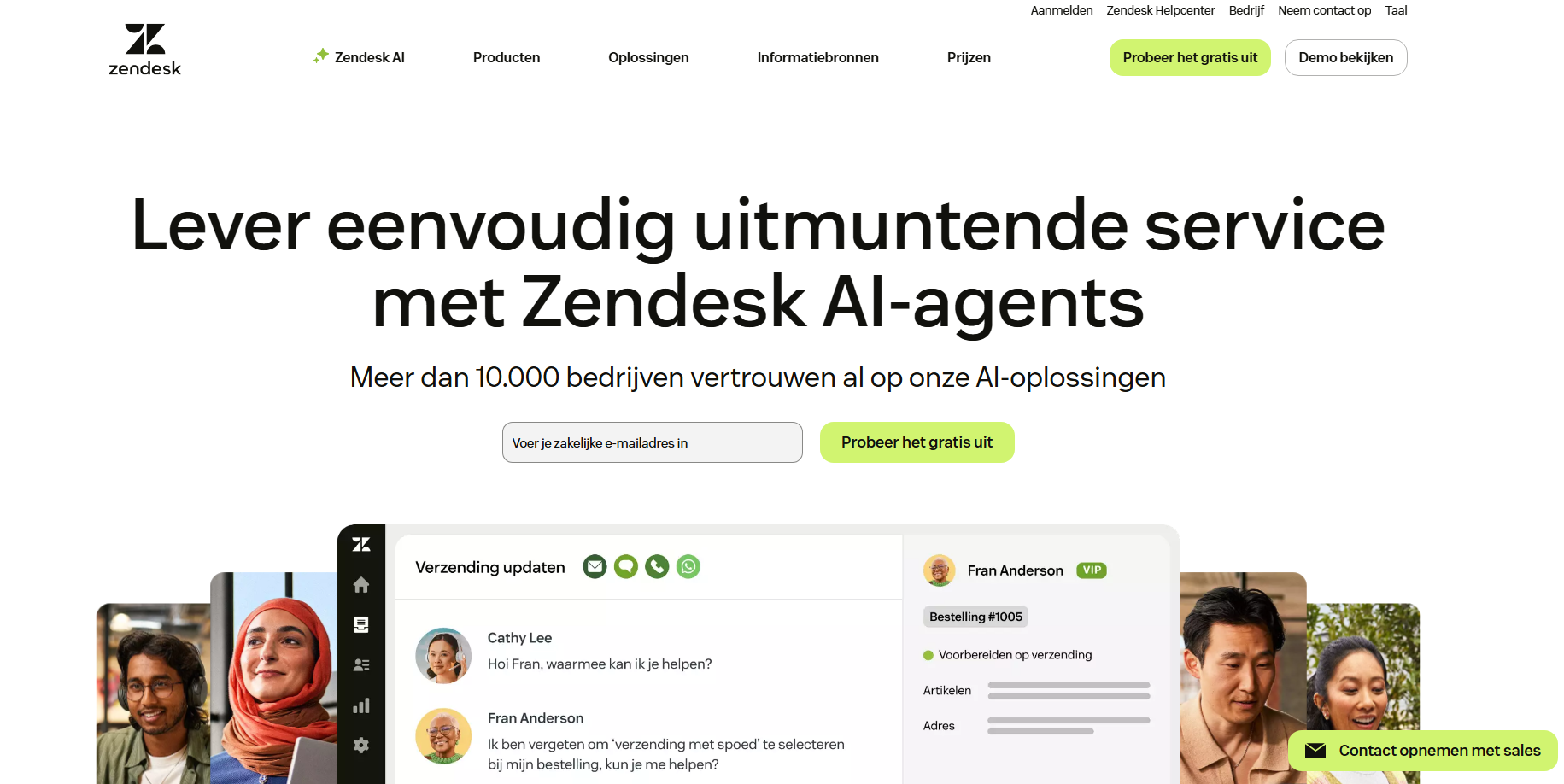 Zendesk uses AI to reduce ticket load and provide automated responses.
You get:
- AI agents trained on help center
- Ticket summarization
- AI suggestions for human agents
- Conversation triage
- Voice + chat automation
Perfect for large teams that handle thousands of tickets.
-
Tidio AI – Best for Small eCommerce Stores
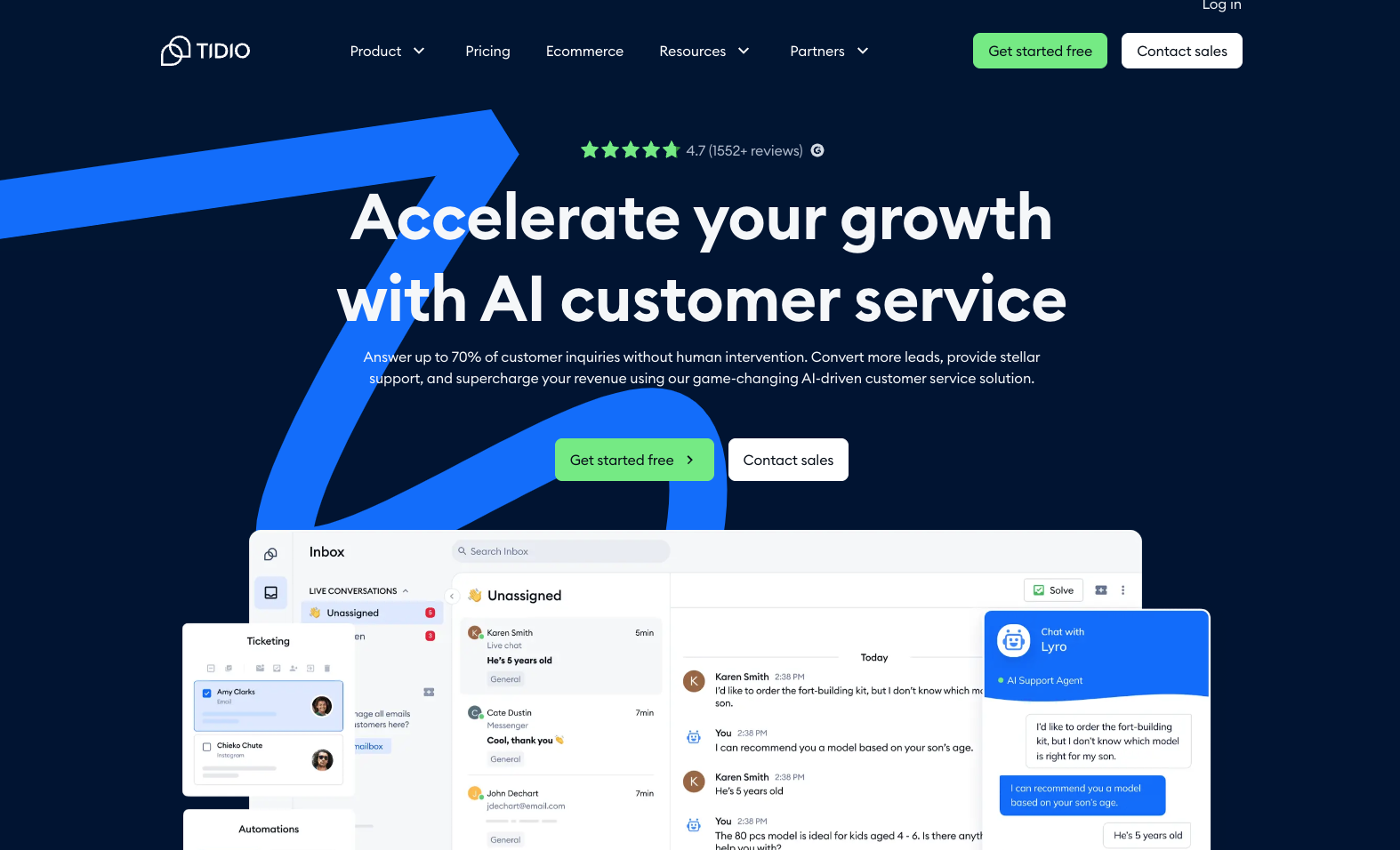 Tidio offers:
- AI-powered “Lyro” chatbot
- Product recommendations
- Shopify and WooCommerce integration
- Multichannel inbox
- Custom chat flows
Good for beginners—but limited compared to WPBot when it comes to fully owning your AI data and custom training.
-
HubSpot Chatbot Builder – Best for CRM Automation
 If you already use HubSpot CRM, their chatbot builder is a good option.
It helps with:
- Lead qualification
- Meeting booking
- Ticket creation
- CRM-based workflows
But it’s not a true AI chatbot unless you connect external LLMs.
-
Drift – Best for B2B Lead Generation
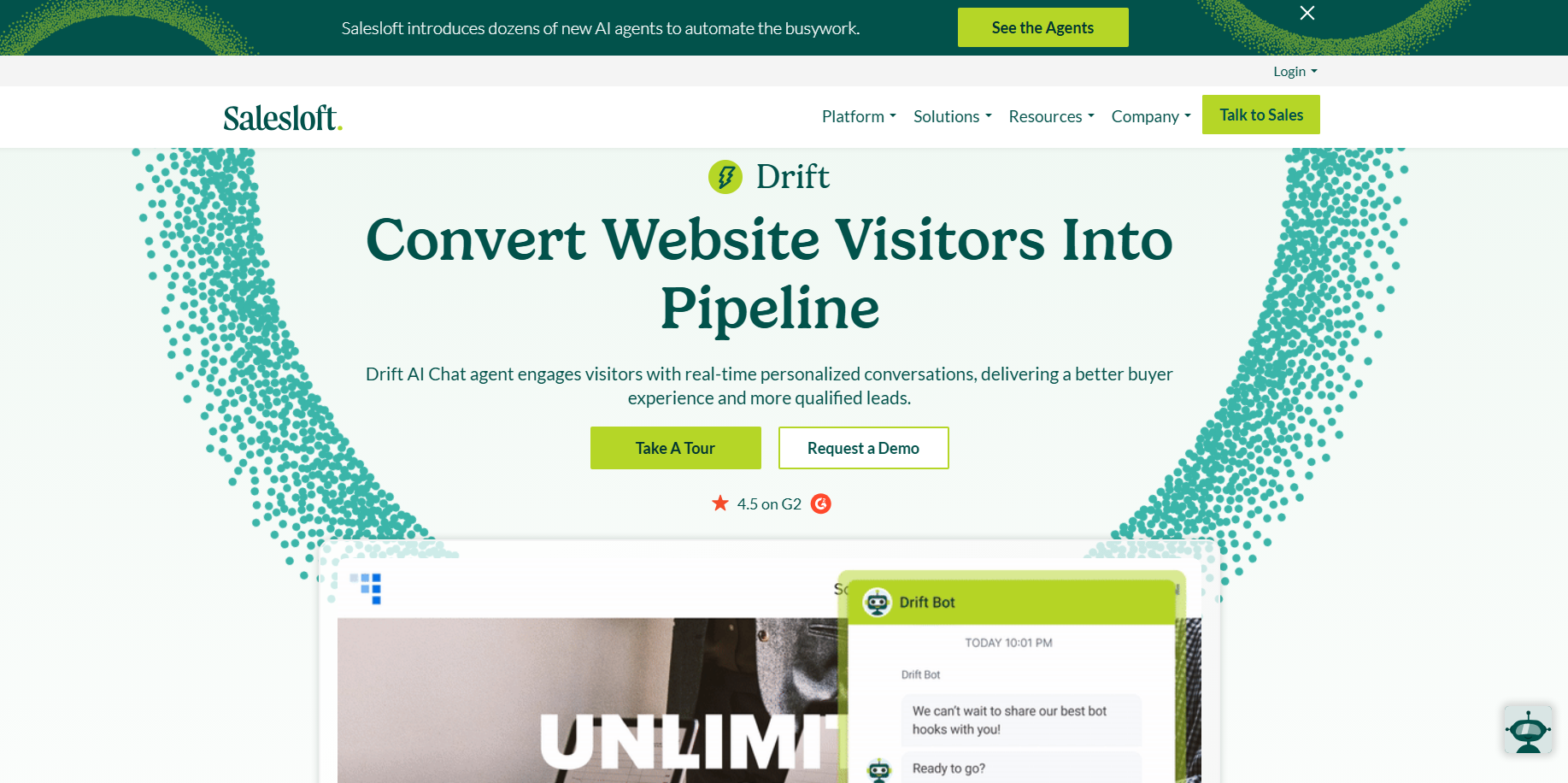 Drift is focused on:
- Conversational marketing
- Real-time qualification
- AI-powered routing
- Account-based marketing
Great for B2B SaaS, but expensive.
-
ManyChat AI – Best for Social Media Automation
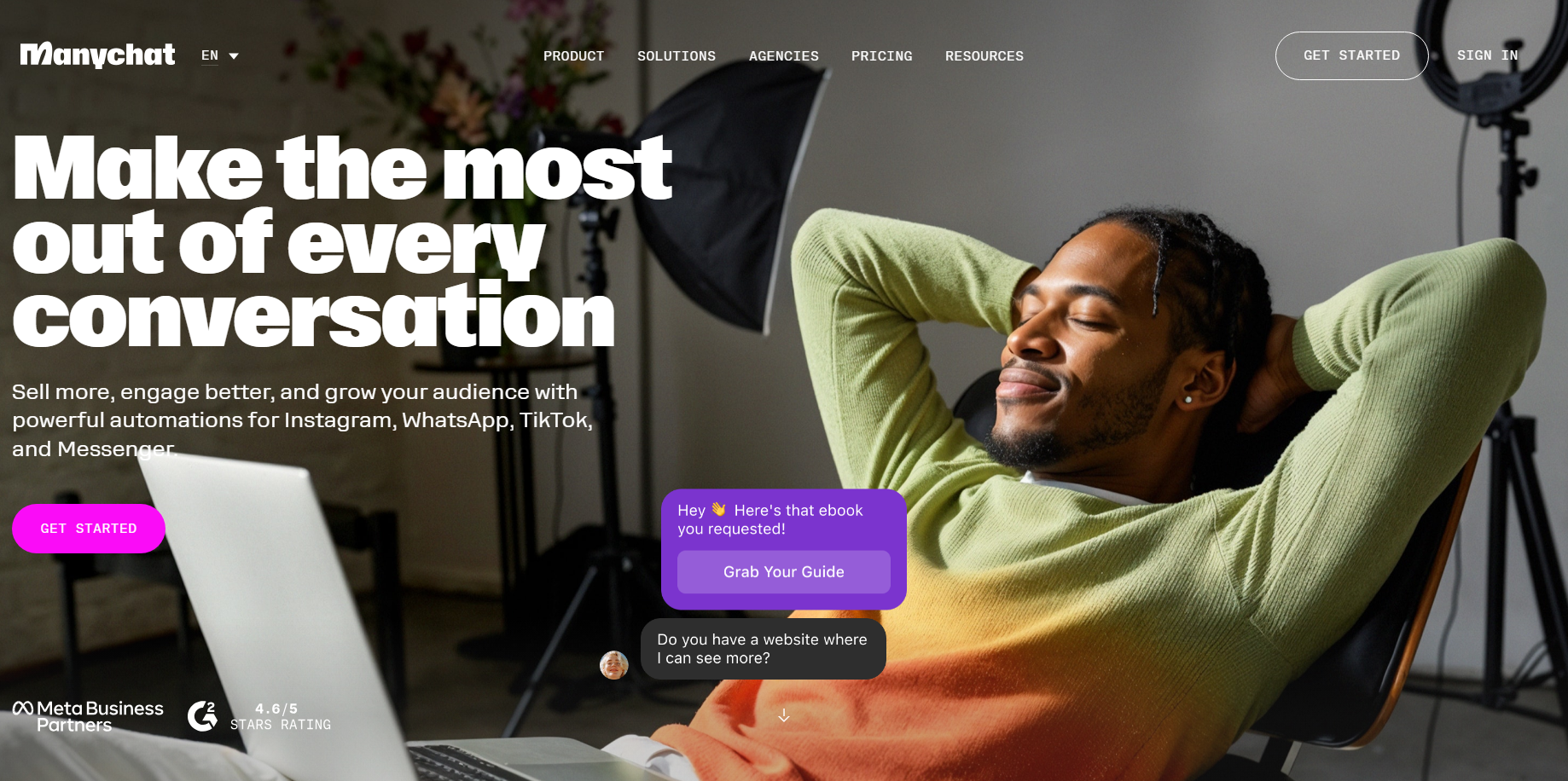 Best for:
- Facebook Messenger
- TikTok automation
Perfect for businesses that sell via DMs — but not ideal for websites.
Comparison Table: Best AI Chatbots in 2025
| Chatbot | Best For | AI Strength | Price | WordPress-Friendly |
| WPBot | WordPress & WooCommerce | ⭐⭐⭐⭐⭐ | Affordable | Yes |
| Intercom | SaaS & Support Teams | ⭐⭐⭐⭐⭐ | Expensive | No |
| Zendesk AI | Customer Service | ⭐⭐⭐⭐ | Expensive | No |
| Tidio | Small eCommerce | ⭐⭐⭐⭐ | Moderate | Yes |
| HubSpot Bot | CRM Automation | ⭐⭐⭐ | Free–Paid | Limited |
| Drift | B2B Lead Gen | ⭐⭐⭐⭐ | Very Expensive | No |
| ManyChat AI | Social DMs | ⭐⭐⭐ | Affordable | No |
Which AI Chatbot Should You Choose in 2025?
Here’s the simple breakdown.
Choose WPBot if you want:
✔ A powerful AI chatbot
✔ For WordPress
✔ No coding
✔ WooCommerce support
✔ Affordable pricing
Choose Intercom or Zendesk if you want:
✔ Enterprise-level automation
✔ AI for customer service teams
Choose Tidio if you want:
✔ A simple Shopify/WooCommerce chatbot
Choose Drift if you want:
✔ High-ticket B2B leads
Choose ManyChat if you want:
✔ Social media automation
WPBot wins for most WordPress + small business use cases.
FAQs
What is the best AI chatbot for WordPress in 2025?
WPBot is the best AI chatbot for WordPress sites thanks to its deep integration, WooCommerce support, and no-code setup.
Can AI chatbots reduce customer support workload?
Yes. Most businesses see 30–70% fewer support tickets after deploying AI chatbots.
Is WPBot better than SaaS chatbots?
For WordPress users, yes — WPBot offers similar AI power without expensive monthly fees.
Does WPBot support OpenAI, Gemini, and custom AI models?
Yes. WPBot supports GPT-4/5, Gemini, OpenRouter, and custom training on your content.
Is WPBot good for eCommerce?
Absolutely. WPBot supports WooCommerce product questions, order help, and AI recommendations.
Final Thoughts
2025 is the year AI becomes a real competitive advantage.
If your business isn’t using an AI chatbot yet, you’re losing leads, sales, and customer satisfaction daily.
For WordPress users, WPBot is the clear leader — simple, affordable, and packed with AI features that actually matter.