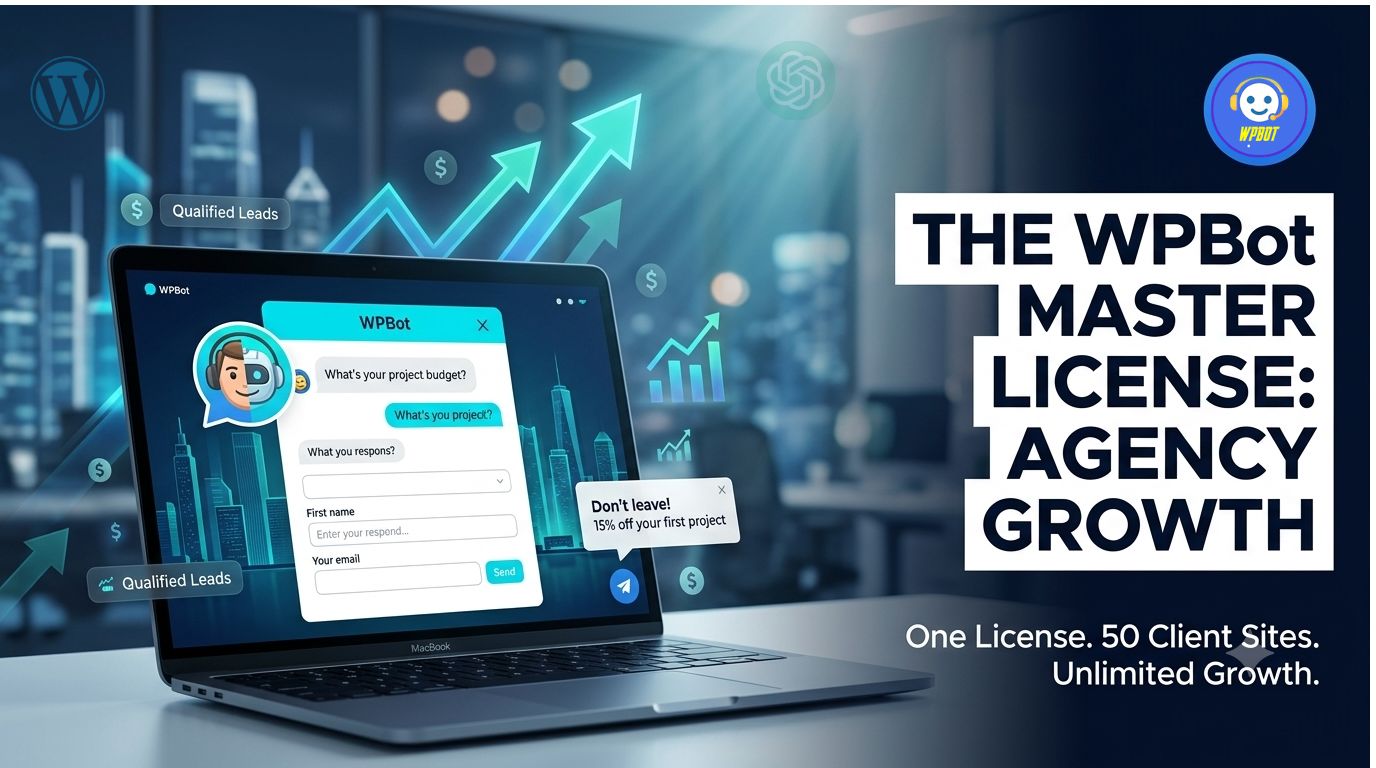
 WPBot Master License is the one-time investment that lets web design agencies deploy white-labeled AI chatbots, conversational forms, live chat, and retargeting on up to 50 client sites—without recurring fees draining profits in 2026.
Hey friend, if you’re running or growing a web design agency, you already feel the pressure. Clients demand more than nice designs—they want sites that actually bring in leads and sales 24/7. Recurring SaaS chatbot costs eat your margins fast. That’s where the WPBot Master License comes in. It’s a native WordPress plugin that turns your agency into a chatbot powerhouse.
In this guide, we’ll break down exactly how it works, why conversational forms, live chat, and retargeting are game-changers, real use cases, comparisons, setup tips, and more. No fluff—just practical info to help you decide.
What is WPBot?
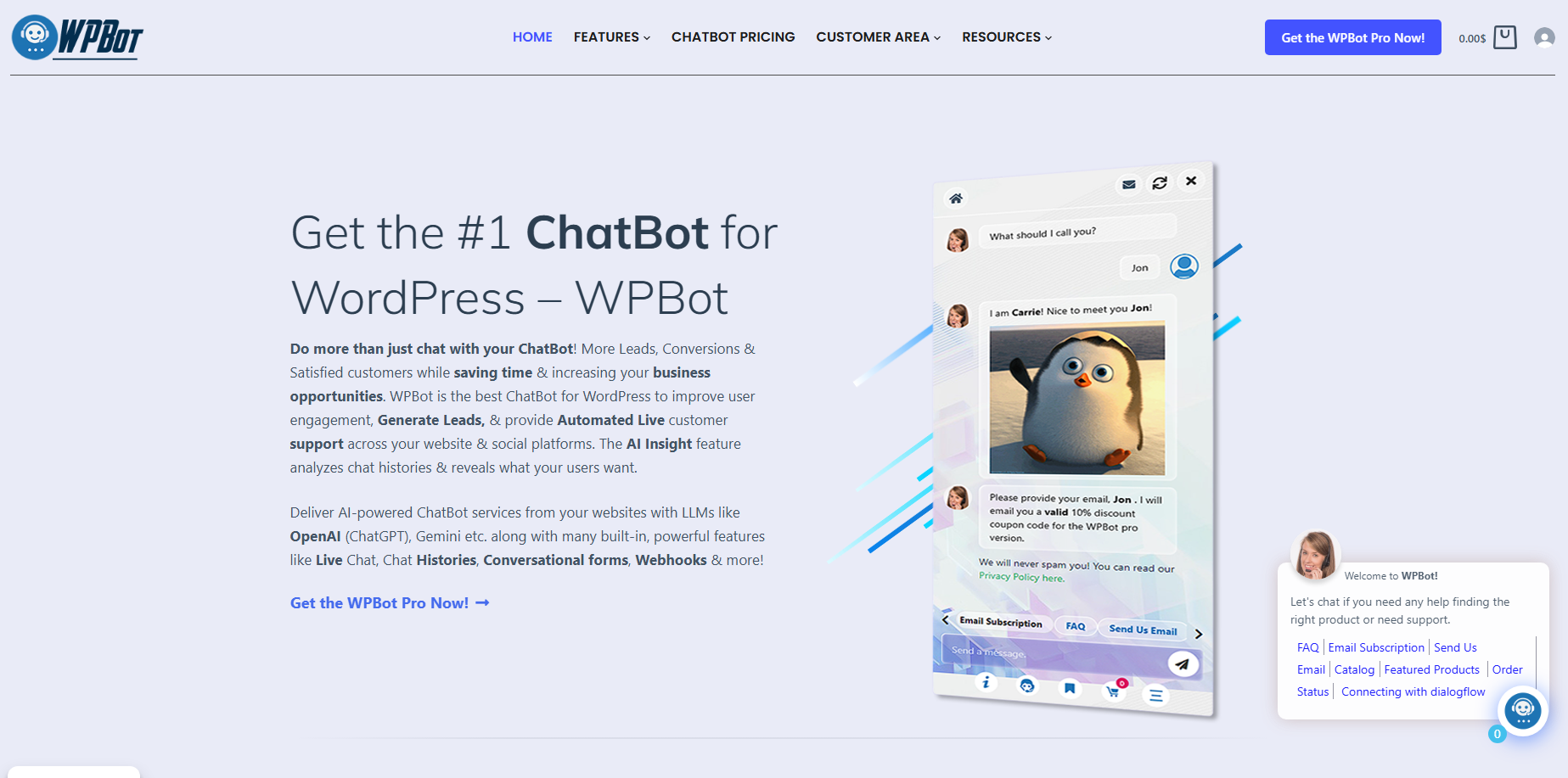
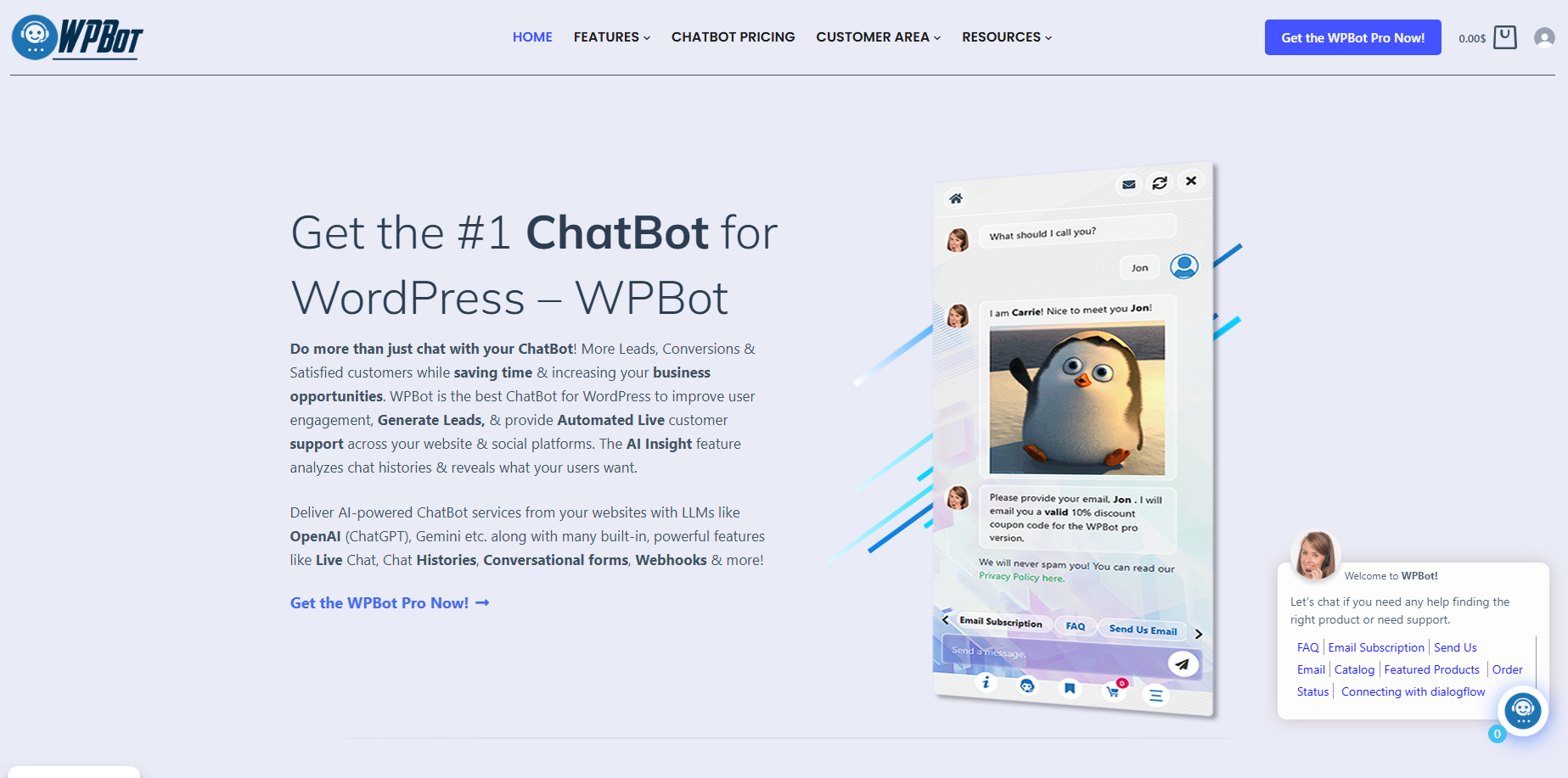
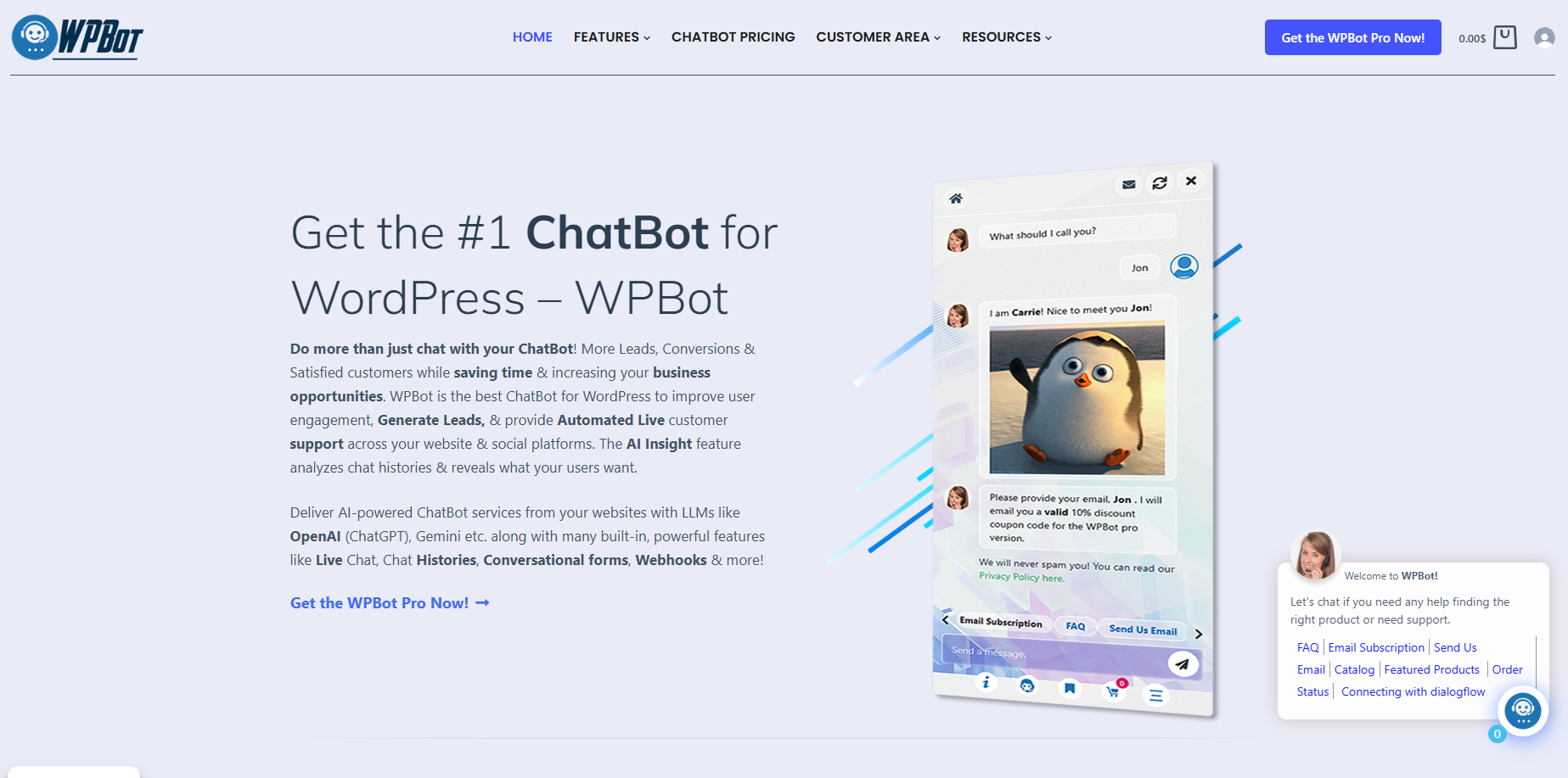
WPBot is a feature-rich AI chatbot plugin built right into WordPress. It handles automated support, lead generation, customer engagement, and more. You install it once per site, no external hosting needed for core functions.
It mixes rule-based flows (reliable for FAQs) with optional AI like OpenAI (ChatGPT), Gemini, and others for smarter responses. Train it on your site content via RAG for accurate answers with links.
Key strengths for agencies:
- Works with any WordPress theme.
- Multilingual support (Master license shines here).
- Full data ownership—nothing stored on third-party servers by default.
- Lifetime usage even without renewal (per terms).
Why the Master License Powers Faster Agency Growth in 2026
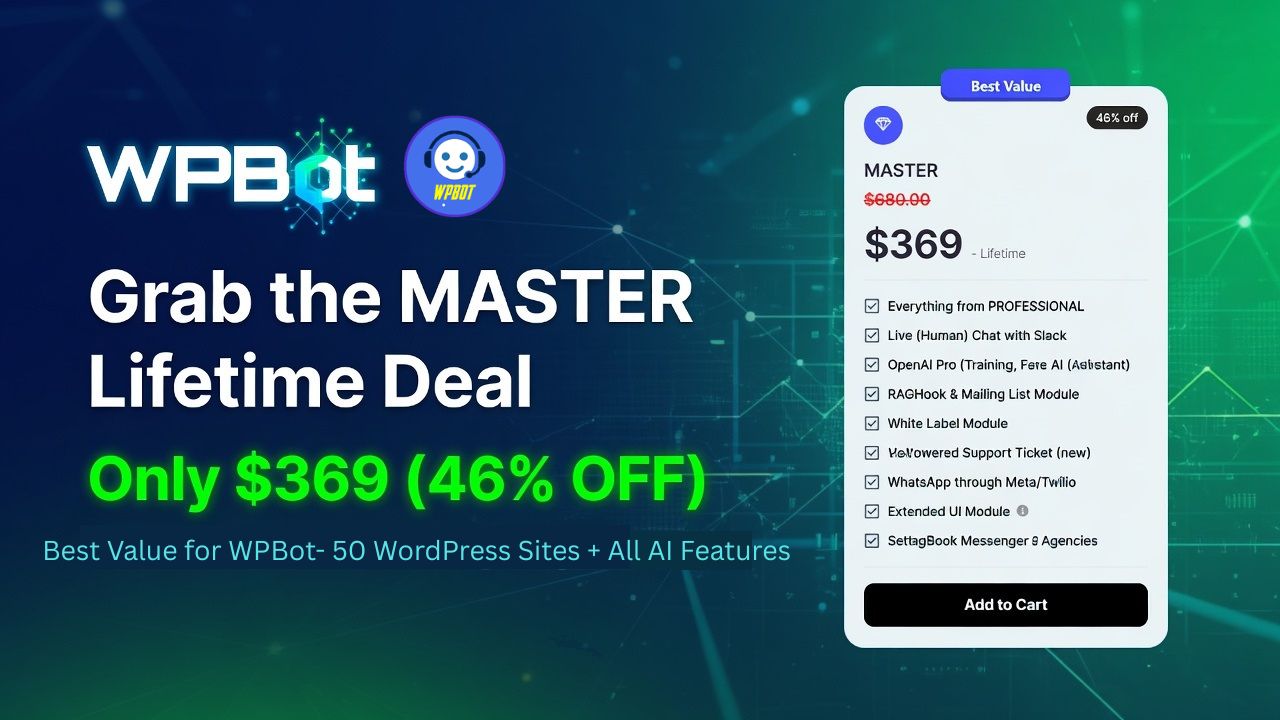
Most agencies struggle with scaling. You add clients, but tools with per-site or monthly fees kill profits. The WPBot Master License fixes that with a one-time payment for up to 50 sites, white-labeling, centralized management, lifetime updates, and premium support.
Quick wins:
- White-label everything — Clients see your agency brand, not WPBot. Charge premium for “custom AI engagement suite.”
- No recurring costs — Pay once, deploy everywhere. Compare to tools charging hundreds monthly.
- Central dashboard — Manage active sites, activations, and analytics from one place.
- Fast deployment — Install, import templates, tweak, launch in under an hour per site.
Agencies report bundling this into website packages or maintenance retainers for steady recurring revenue. One upfront cost covered in months via client fees.
How Conversational Forms Turn Visitors into High-Quality Leads
Static forms are dead for busy users. People abandon them halfway. Conversational forms in WPBot feel like a natural chat—one question at a time. Completion rates jump significantly (often 25-40% higher than traditional forms).
Drag-and-drop builder makes it simple:
- Conditional logic: Show/hide fields based on previous answers.
- Variables and calculations: Dynamic quotes, estimates, or pricing.
- Input types: Text, email, number, date/time, checkboxes, file/image upload, HTML.
- Multi-modal with OpenAI: Users upload images/audio; AI analyzes and responds.
- Triggers: Start menu, click-to-chat buttons, system commands, or page-specific.
- Outcomes: Save to database, export CSV, email admin (multiple recipients), auto-responder.
Agency use cases:
- Lead capture for service businesses (budget, timeline, needs).
- Appointment booking with calendar integration.
- Job applications or quote calculators for contractors.
- Feedback surveys that feel engaging.
- Ecommerce product recommendations or custom orders.
Example: A home services client visitor says they’re interested in kitchen remodels. The form asks targeted questions, calculates rough costs, and books a consultation. Leads feel helped, not interrogated. Higher conversions, better data for follow-up.
For agencies, this means happier clients with more inbound leads—leading to longer retainers and upsells.
Live Chat: Blend AI Automation with Human Touch
AI handles 60-80% of routine questions. When things get complex, seamless handoff to live agents. Unlimited operators in higher plans.
How it works in WPBot:
- AI or rule-based answers 24/7.
- Chat histories for context.
- Escalate to human via dashboard or Slack integration.
- Proactive notifications.
- Full logging and analytics.
Benefits for clients (and your agency):
- Reduce support tickets dramatically.
- 24/7 coverage without extra staff.
- Better customer satisfaction scores.
- Agents jump in with full conversation history—no repeating info.
Pro tip: Use AI Insight feature for daily digests of chats. Spot common questions and improve site content or bot training.
Agencies love offering this as managed service—monitor across clients, optimize flows, and prove ROI with metrics.
Retargeting: Recover Abandoned Visitors and Boost Sales
Onsite retargeting is pure gold. Trigger messages on exit intent, scroll depth, time on page, or specific behaviors. Show offers, coupons, or help inside the chatbot window.
WooCommerce power:
- Abandoned cart recovery with personalized messages.
- Product recommendations.
- Up to 15-25% recovery rates reported in similar setups.
Offsite options extend reach too.
Real example: Visitor adds items to cart, heads to checkout, then hesitates. Exit-intent triggers: “Stuck on sizing? Here’s 10% off + free shipping. Complete now?” Many return and buy.
For agencies serving ecommerce clients, this directly ties your work to revenue. Clients see clear ROI and keep paying for management.
Why This Combo (Conversational Forms + Live Chat + Retargeting) Accelerates Growth
Together, they create a full engagement flywheel:
- Attract and qualify leads with forms.
- Support and close with live chat + AI.
- Recover and nurture with retargeting.
Results agencies see:
- Higher conversion rates.
- More qualified leads.
- Lower churn on client sites.
- New service offerings (chatbot audits, optimization retainers).
In 2026, with rising competition and tighter budgets, clients want tools that pay for themselves. WPBot delivers that.
Step-by-Step: Implementing WPBot Master License for Your Agency
- Purchase the Master Lifetime License on wpbot.pro.
- Install on test sites first.
- White-label — Add your logo, rename menus, customize texts.
- Build templates — Create industry-specific flows and forms (reuse across clients).
- Configure features — Enable conversational forms, live chat, retargeting, AI if desired.
- Integrate — Webhooks to CRMs, WooCommerce, Google Calendar, etc.
- Train & Test — Use site content + AI. Simulate user journeys.
- Deploy & Monitor — Central management. Share reports with clients.
- Optimize ongoing — Review AI Insights and metrics quarterly.
Start small. Prove value on 2-3 sites before full rollout.
Comparisons: WPBot Master vs. Alternatives
| Feature | WPBot Master | Cloud SaaS (e.g., ManyChat, Intercom) | Other WP Plugins |
| Pricing Model | One-time, lifetime | High recurring | Often limited sites |
| Sites Allowed | Up to 50 | Per-plan limits | 1-5 typical |
| White-Label | Full | Limited | Rare |
| WordPress Native | Yes | Embed only | Varies |
| Conversational Forms | Advanced drag-drop + AI | Basic | Basic |
| Live Chat + Handoff | Built-in + Slack | Strong but costly | Varies |
| Retargeting (Onsite) | Strong exit-intent etc. | Extra or limited | Limited |
| Data Ownership | Full control | Vendor dependent | Varies |
WPBot wins for cost, control, and agency-scale deployment.
Common Challenges and Solutions
- Learning curve: Use built-in templates and docs. Support is responsive.
- AI accuracy: Combine rules + fine-tuned AI. Test heavily.
- Performance: Native plugin is lightweight; use good caching.
- Compliance: GDPR-friendly as data stays on your server mostly.
Most agencies handle it after the first few installs.
Measuring Success and Proving Value to Clients
Track:
- Lead volume and quality from forms.
- Chat engagement and resolution rates.
- Retargeting conversion lift.
- Support ticket reduction.
- Overall site conversions.
Share quarterly reports. It builds trust and justifies your fees.
Pricing and ROI for Agencies
Master License: One-time investment (check current pricing—often far cheaper long-term than alternatives). Covers 50 sites.
Simple math: Charge clients $50–150+/month for managed chatbot services. Recover cost quickly, then profit. No pass-through fees.
Advanced Tips for 2026 Success
- Reuse templates across niches (real estate, ecommerce, services).
- Webhook integrations for seamless CRM flows.
- Offer “chatbot optimization” as add-on service.
- Combine with your design process for seamless launches.
- Stay updated on AI models supported (OpenAI, etc.).
FAQs
What exactly does the Master License include? Up to 50 sites, white-label, full features including conversational forms, live chat, retargeting, lifetime updates/support (per terms).
Is it good for non-WooCommerce sites? Yes—lead gen, support, and forms work everywhere. Retargeting shines on stores.
How does it compare to building custom bots? Saves massive time and cost. Customize deeply without coding from scratch.
Multi-language support? Strong with Master license. Change texts easily.
Support quality? Premium included. Users praise fast, helpful responses.
Can I start smaller? Yes—yearly plans exist for fewer sites, upgrade to Master as you grow.
Ready to scale smarter?
The WPBot Master License isn’t just another plugin—it’s a strategic tool for faster agency growth. White-labeled conversational forms capture better leads, live chat delivers 24/7 support, and retargeting recovers revenue that would be lost.
For busy agency owners like you, it means happier clients, healthier margins, and the ability to take on more work without burnout.
Check pricing and features at wpbot.pro. Test on a couple sites. Watch the difference.
You’ve built great websites. Now give them the engagement layer that keeps working for your clients—and for your business.