
7 Powerful Reasons WPBot Is the Best WordPress Chatbot Plugin in 2026
Latest News and Blog on Website Design and Bangladesh.
7 Powerful Reasons WPBot Is the Best WordPress Chatbot Plugin in 2026
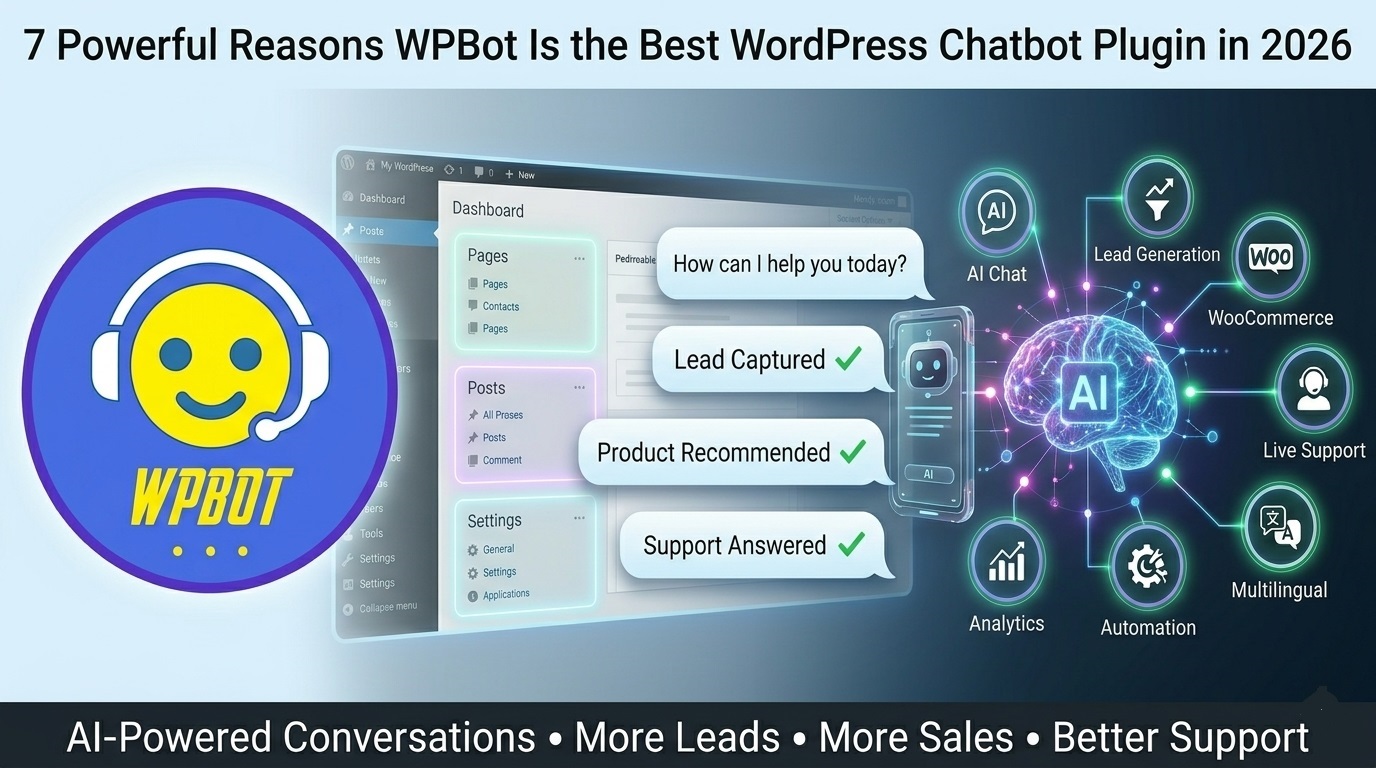 If you’re looking for the best WordPress chatbot plugin in 2026, WPBot stands out because it combines AI-powered conversations, lead generation, WooCommerce automation, customer support, multilingual capabilities, and privacy-focused deployment inside a single WordPress solution.
Unlike many chatbot platforms that require expensive monthly subscriptions or external integrations, WPBot works directly within WordPress and gives businesses more control over customer interactions, sales, and support.
In this guide, I’ll explain the seven biggest reasons why WPBot continues to be one of the most powerful chatbot solutions for WordPress websites in 2026.
What Is WPBot?
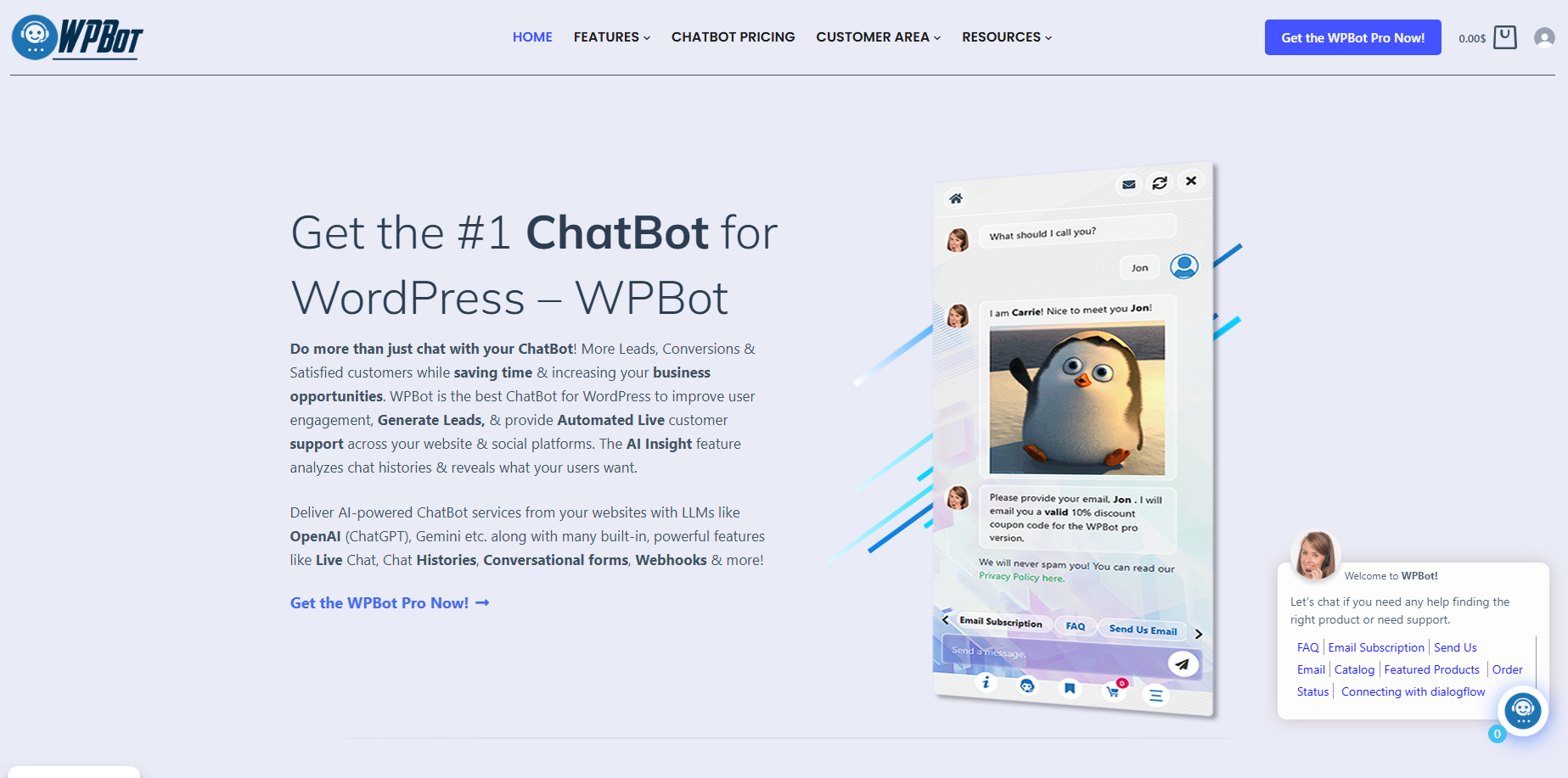
The plugin can answer questions, capture leads, assist customers, provide support, recommend products, and integrate with AI services such as ChatGPT.
WPBot works across multiple industries, including:
- eCommerce stores
- Agency websites
- SaaS businesses
- Educational platforms
- Healthcare websites
- Local businesses
- Membership sites
Instead of forcing visitors to search through pages, WPBot allows them to ask questions and get answers instantly.
That’s exactly what modern users expect.
Why Are Chatbots More Important Than Ever in 2026?
Website visitors have become impatient.
Most users expect answers immediately.
Research consistently shows that delayed responses reduce engagement, lower conversion rates, and increase bounce rates.
Today’s customers want:
- Instant answers
- Personalized experiences
- 24/7 availability
- Fast product discovery
- Self-service support
A chatbot helps businesses meet these expectations without hiring additional staff.
The question is no longer whether you need a chatbot.
The question is whether you’re using the right one.
Reason #1: WPBot Lives Directly Inside WordPress
Why does this matter?
Many chatbot platforms operate outside your website.
That creates several problems:
- Extra integrations
- Additional costs
- Third-party dependencies
- Data management challenges
WPBot works directly inside WordPress.
This gives website owners greater control over:
- Customer conversations
- Chatbot behavior
- Website performance
- User experience
Everything stays within your WordPress ecosystem.
That means fewer moving parts and less complexity.
Key Benefits
Direct WordPress Integration
- No external chatbot dashboard required
- Easy plugin installation
- Familiar WordPress interface
Better Control
- Manage settings from your WordPress admin
- Control chatbot appearance
- Customize conversations
Simplified Maintenance
- Fewer integrations
- Easier updates
- Reduced technical overhead
For many businesses, simplicity is a major advantage.
Reason #2: AI-Powered Conversations Create Better User Experiences
What makes AI chatbots different?
Traditional chatbots rely on fixed rules.
They can only answer predefined questions.
Modern users expect more.
WPBot supports AI-powered conversations through advanced language models.
This allows visitors to ask questions naturally.
Instead of navigating menus, users can simply type:
- “What pricing plans do you offer?”
- “Which product is best for beginners?”
- “Can you explain this feature?”
The chatbot understands intent and provides relevant responses.
Benefits of AI Conversations
Natural Communication
Users interact like they would with a real person.
Improved Engagement
Visitors stay on your website longer.
Better Customer Experience
Questions get answered faster.
Reduced Support Workload
AI handles repetitive inquiries automatically.
This creates a smoother experience for both customers and business owners.
Reason #3: WPBot Helps Capture More Leads
Can a chatbot really increase lead generation?
Absolutely.
Many website visitors leave before filling out a form.
Traditional forms often create friction.
A chatbot creates a more conversational experience.
Instead of presenting a long form, WPBot can ask questions naturally.
For example:
- What’s your name?
- What’s your email?
- What service are you interested in?
- What’s your budget?
This feels less intimidating.
As a result, more visitors complete the process.
Lead Generation Features
- Conversational forms
- Email collection
- Contact information capture
- Custom qualification questions
- CRM integrations
- Automated follow-up workflows
Why Agencies Love This
Agencies can deploy lead-generation chatbots for clients and demonstrate measurable results.
More leads often mean higher client retention.
Reason #4: WooCommerce Integration Drives More Sales
How does WPBot help eCommerce stores?
This is one of WPBot’s strongest advantages.
Many chatbots focus primarily on support.
WPBot also focuses on revenue generation.
When integrated with WooCommerce, WPBot can help customers throughout the buying journey.
What Can WPBot Do for WooCommerce?
Product Search
Customers can find products through chat.
Product Recommendations
The chatbot suggests relevant products.
Order Assistance
Users receive help during checkout.
Cart Recovery
Businesses can engage shoppers before abandonment.
Product Information
Customers get answers instantly.
Example
Imagine a customer asks:
“Which WordPress chatbot plan is best for agencies?”
Instead of searching through multiple pages, WPBot can immediately provide recommendations.
That reduces friction and increases purchase confidence.
Reason #5: 24/7 Customer Support Without Hiring More Staff
What happens when visitors arrive after business hours?
Most businesses can’t provide human support around the clock.
Visitors still have questions.
WPBot fills that gap.
The chatbot remains available 24 hours a day.
Common Questions It Can Handle
- Pricing questions
- Product information
- Refund policies
- Documentation requests
- Feature explanations
- Account assistance
Business Benefits
Faster Response Times
Customers don’t wait.
Reduced Support Tickets
Many questions are answered automatically.
Lower Operational Costs
Less pressure on support teams.
Improved Customer Satisfaction
Users get immediate assistance.
In 2026, instant support isn’t a luxury.
It’s an expectation.
Reason #6: Flexible Customization for Any Business
Can WPBot match your brand?
Yes.
Every business is different.
A chatbot should reflect your brand identity.
WPBot offers extensive customization options.
Customization Areas
- Chat window design
- Colors
- Branding
- Welcome messages
- Conversation flows
- Automated responses
Industry Examples
| Industry | WPBot Use Case |
| eCommerce | Product recommendations |
| Agency | Lead generation |
| SaaS | Customer onboarding |
| Education | Course assistance |
| Healthcare | Information delivery |
| Real Estate | Property inquiries |
This flexibility makes WPBot suitable for virtually any WordPress website.
Reason #7: Strong Value Compared to Subscription-Based Alternatives
Why is pricing important?
Many chatbot platforms charge recurring monthly fees.
Costs increase as traffic grows.
Over time, expenses can become substantial.
WPBot offers a different approach.
Businesses can often achieve advanced chatbot functionality without committing to expensive enterprise-level subscriptions.
Cost Comparison
| Feature | WPBot | Many SaaS Chatbots |
| WordPress Integration | Yes | Often External |
| WooCommerce Support | Yes | Limited |
| Lead Generation | Yes | Yes |
| AI Integration | Yes | Yes |
| Monthly Fees | Lower Overall Cost | Often Higher |
| Data Control | Greater Control | Platform Dependent |
For agencies managing multiple client sites, this difference can significantly impact profitability.
How Does WPBot Compare to Traditional Contact Forms?
Many businesses still rely exclusively on forms.
Forms work.
But they aren’t always engaging.
| Feature | Contact Form | WPBot |
| Real-Time Interaction | No | Yes |
| Lead Qualification | Limited | Advanced |
| Product Guidance | No | Yes |
| Customer Support | No | Yes |
| Engagement | Low | High |
| Automation | Limited | Extensive |
The chatbot experience feels more personal and interactive.
That’s why many businesses use both.
Who Should Use WPBot?
WPBot is particularly useful for:
Online Stores
- Product discovery
- Order assistance
- Customer support
Digital Agencies
- Lead generation
- Client websites
- Marketing automation
SaaS Companies
- User onboarding
- Feature education
- Customer support
Service Businesses
- Appointment inquiries
- Lead qualification
- Customer communication
Educational Websites
- Student assistance
- Course recommendations
- FAQ automation
If your website receives visitors with questions, WPBot can help.
How to Get Started With WPBot
Step 1: Install WPBot
Install the plugin through WordPress.
Step 2: Configure Basic Settings
Customize:
- Branding
- Colors
- Welcome message
Step 3: Build Conversation Flows
Create responses for:
- FAQs
- Lead capture
- Product recommendations
Step 4: Connect AI Features
Enable AI-powered conversations.
Step 5: Monitor Performance
Track:
- Leads generated
- Customer interactions
- Conversion improvements
Optimization is an ongoing process.
The Future of Chatbots and WordPress
AI is changing how websites interact with visitors.
In the coming years we can expect:
- More personalized conversations
- Better AI understanding
- Advanced customer support automation
- Improved sales assistance
- Deeper WooCommerce integration
Businesses that adopt conversational experiences today will likely have an advantage tomorrow.
WPBot is positioned well for this shift.
Frequently Asked Questions
Is WPBot suitable for beginners?
Yes. WPBot is designed to work inside WordPress and can be configured without advanced coding knowledge.
Does WPBot work with WooCommerce?
Yes. WPBot includes WooCommerce-focused features that help customers discover products and receive shopping assistance.
Can WPBot use AI?
Yes. WPBot supports AI-powered conversations through integrations with modern language models.
Is WPBot useful for agencies?
Yes. Agencies often use WPBot to improve lead generation, automate support, and provide added value to clients.
Can WPBot replace customer support staff?
Not entirely. WPBot can automate repetitive questions and reduce workload, but complex issues may still require human support.
Does WPBot help increase conversions?
It can. By providing instant answers, guiding visitors, and reducing friction, WPBot can contribute to improved conversion rates.
Final Thoughts
WPBot continues to stand out in 2026 because it combines AI, lead generation, customer support, WooCommerce automation, and WordPress-native functionality into a single solution.
The biggest advantage is not just automation.
It’s creating better experiences for visitors.
When customers get answers faster, find products easier, and receive support instantly, everyone wins.
